Introduction
We support some advanced features specifically designed for the digital version. By using them, you can present your readers with engaging, interactive elements that will enrich your work. Please be mindful however how those digital features will be rendered in the paper version of the book. Consult the book’s editors when in doubt.
Directives
Directives are multi-line containers that allow you to place a complex element that will be interpreted by the platform. Generally, each directive consists of an opening colon fence (:::), name of a directive enclosed in braces ({directive-name}), content, and closing colon fence. Directives must be continued text without blank lines. The syntax of a directive is presented below. Later in this chapter you will find examples of many different directives.

Check the mystmd website to see which directives are supported.
YouTube/Vimeo Videos
If your video is hosted on one of the supported platforms (currently on YouTube and on Vimeo) you can embed the video using the URL. Use this syntax to add an embedded video (this is a syntax of a directive, which will be explained later).
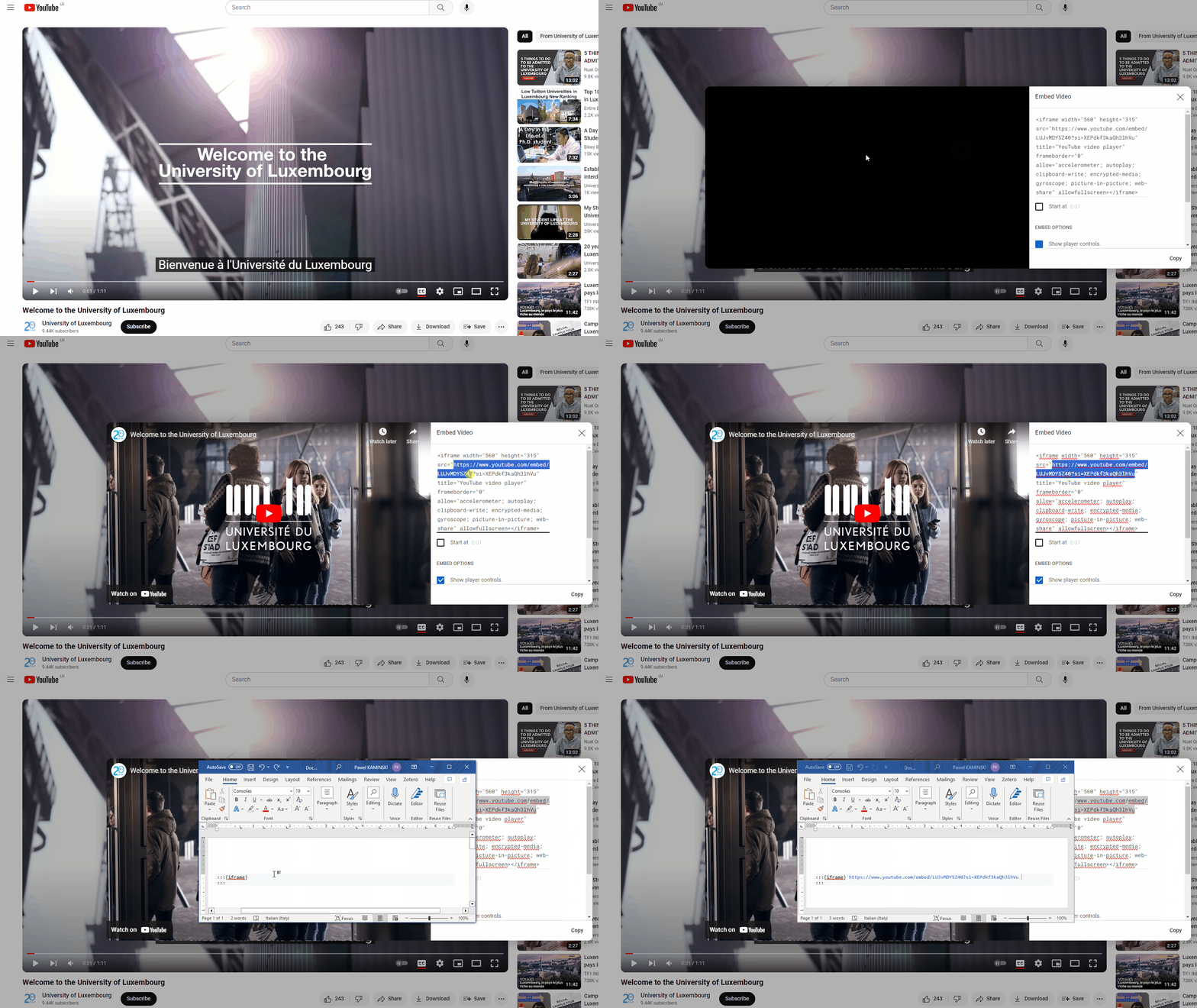
Bear in mind that just copying the URL to a video and putting it in a directive might not work. You may need to create a special link. For example, on youtube.com you will have to click on the “Share” button, then select the “Embed” option and copy a URL from a generated block of code.
Figure 3.1: How to get a link to embed a video from youtube.com.
Admonitions
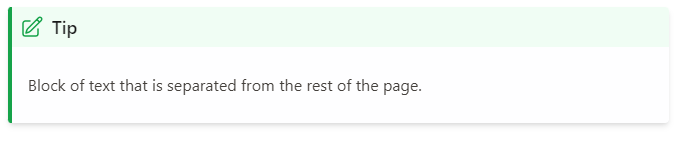
Admonitions highlight a particular block of text that exists slightly apart from the narrative of your page, such as a note or a warning.
To add a simple admonition, you must use the following syntax:
You can use different admonition types, which will be rendered using a color and an icon specific to that type. An icon might change in the future, but the general principle stays the same. Currently, the supported admonition types are as follows:
Code Blocks
Currently we do not support interactive code blocks. But you can format a static code block to show a code snippet without executing it.
note = "Python syntax highlighting"
print(note)Feature to be added in future releases.
Different Content In Digital And Paper Versions
Mark any content that should appear exclusively in a paper version with turquoise highlight. Conversely, highlight content intended solely for an online version with grey.
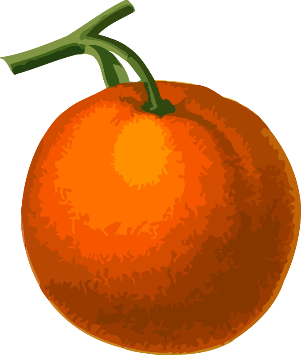
For example, a text relevant only to a publication available online should not necessarily appear in a paper version. Similarly, because of its low resolution, the image below probably should not be included in a paper edition of a book as well. To omit this fragment on paper simply highlight in grey the whole content to leave out.
Figure 3.2: Drawing of an orange by Franz Eugen Köhler, 1887.